
Data lives in too many places
Bring important information into a structured workspace with clear access.
WEB APPLICATION DEVELOPMENT
Build a web application that helps your team manage data, workflows, access, and business processes in one place.
A web application is useful when a business needs more than informational pages. Dashboards, internal systems, workflows, and multi-user portals can be accessed through a browser without installing desktop software on every device.
Nyonya Web turns real work processes into clearer digital flows. The goal is not to add as many features as possible, but to make important work easier to run, monitor, and improve.
Bring important information into a structured workspace with clear access.
Make stages, responsibilities, and status easier for teams to follow.
Create different experiences and permissions for admins, staff, partners, or users.
Keep important flows usable through a browser on mobile devices.
Summarize data, status, and activity so teams can focus on priorities.
Support internal data, tasks, and recurring business processes in one system.
Structure requests, reviews, approvals, and follow-ups with clearer statuses.
Combine login, role-based access, and experiences for different user types.
Connect operational needs with relevant data and reporting.
Consider a Progressive Web App when a more app-like mobile experience makes sense.
Understand users, roles, data, problems, and expected outcomes.
Prioritize features so the project has a measurable scope.
Develop and test the interface with real work scenarios.
Release the application and expand it based on what is learned.
RELATED PROJECTS
These examples cover internal systems, workflows, platforms, and different web application needs.
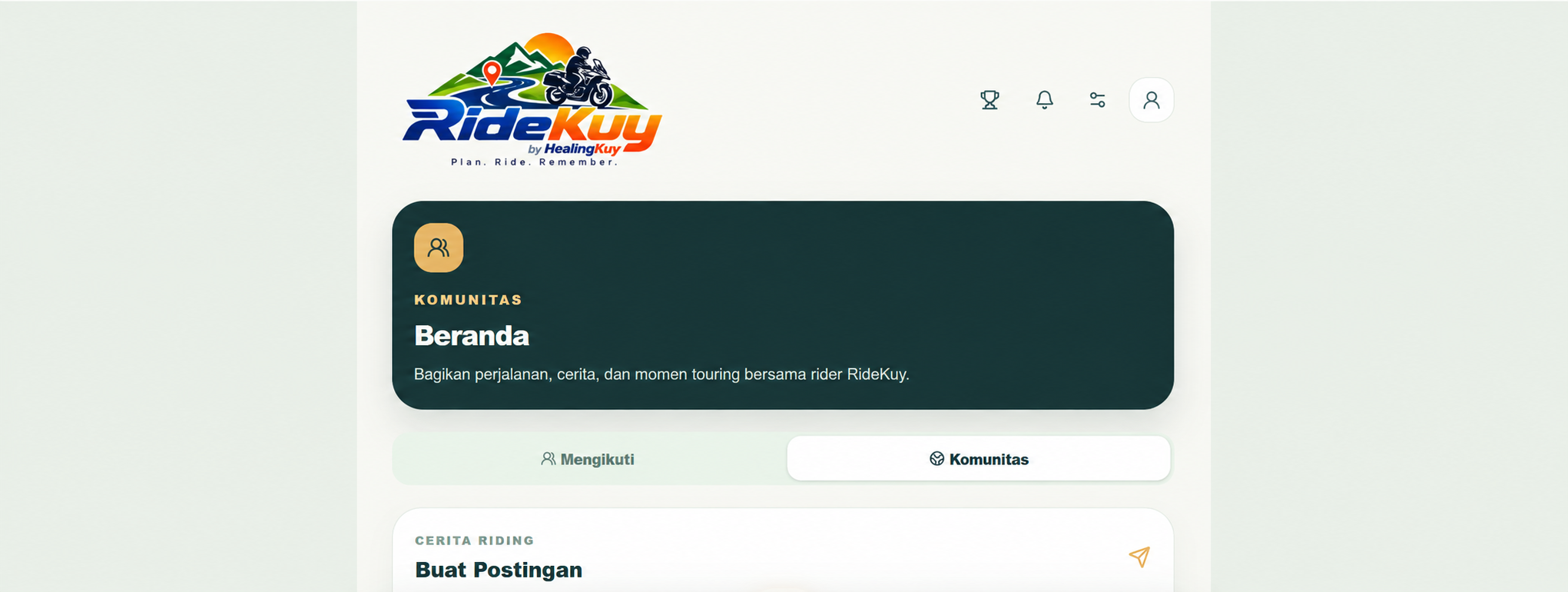
Digital Product · Web Application
A web/PWA platform designed to help riders manage touring activities, routes, communities, groups, and user interaction.
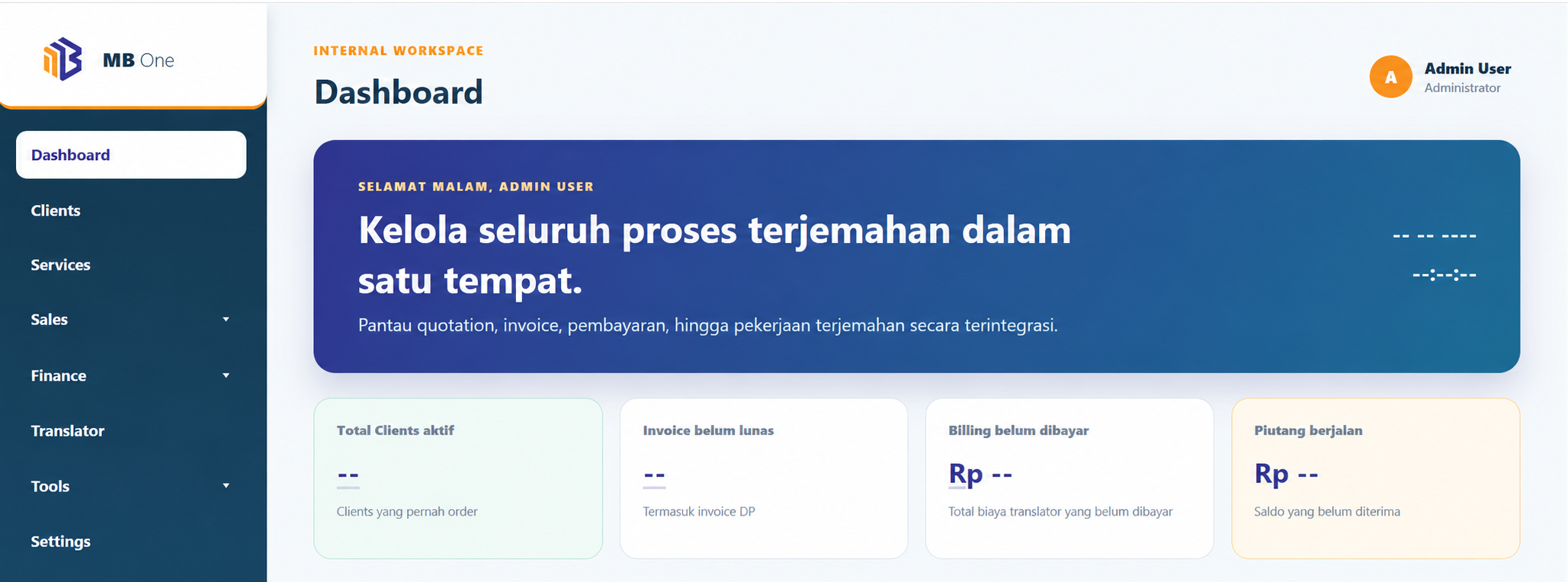
Internal Web Application
A web application developed to support internal operations and workflow.
Business Application
A web-based application developed to support work activities and business process management in a more structured way.
Productivity · Internal System
A web-based platform developed to support work management and operational activities in a more structured way.
A website mainly communicates information. A web application includes interactions, data, login, workflows, or custom functions that help users complete work.
Yes. Role-based access can control the menus, data, and actions available to each type of user.
No. A first version can focus on priority features and grow based on usage and learning.
A PWA is considered when browser access, an app-like mobile experience, or certain capabilities fit the project context.
Let’s discuss the users, current workflow, and the part of the process where an application could help most.